
Free PTO Tracker Template for Excel and Google Sheets
One workbook for allowances, requests, accruals, and remaining balances. It counts working days, skips weekends and company closures, and handles half days and part-time schedules.
Settings
Year, daily hours, allowances, accrual method
Employees
Start date, policy, FTE, carryover
Requests log
Working days and hours, counted for you
Balances
Earned, taken, pending, and available
Calendar
Approved and pending days by month
Holidays
Closures excluded from every count
Comes with five sample employees and requests so you can see every formula working before you enter your team. Room for 100 people and 1,000 requests.
Free PTO tracker template: Excel or Google Sheets
Use Excel if one person owns the tracker and your team already works in Microsoft files. Use Google Sheets if your office manager and founder need to review the same live copy. Pick one master file so a downloaded attachment never becomes a competing balance record.
The template suits a small team with a Monday–Friday schedule and straightforward PTO rules. It includes daily accrual and a front-loaded option, with separate Vacation, Sick and Personal balances. You enter carryover hours after applying your own policy.
What's in the template?
The workbook has seven tabs: Instructions, Settings, Employees, Requests log, Balances, Calendar and Holidays. Set the policy and roster once, then record each request in the log. Balances and calendar dates update from those inputs. The checks flag missing information before you rely on the totals.
| Tab | What you enter | What it gives you |
|---|---|---|
| Instructions | Nothing | Setup order, units and operating rules |
| Settings | Year, as-of date, daily hours, allowances and accrual method | One consistent set of calculation rules |
| Employees | Stable ID, name, start date, policy, FTE and carryover hours | A roster linked to the right policy |
| Requests log | Employee, leave type, dates, day fraction, status and decision | Working days, hours and a visible input check |
| Balances | Nothing | Earned, taken, approved future, pending and available hours by person and type |
| Calendar | Employee selector; month is set in Settings | Approved and pending dates, with weekends and closures marked |
| Holidays | Actual company closure dates | Those dates excluded from leave deductions |
Hours are the balance unit. The day equivalent uses each person's scheduled daily hours, which keeps a part-time employee's week consistent with their allowance. A half-time employee working four hours every weekday uses twenty hours for a full week away.
The workbook comes prefilled for 100 employees and 1,000 request rows. Keep one person responsible for the master file.
How to set it up in 10 minutes
Make your own copy, set the year and policy, and replace a sample employee before logging a test request. Confirm the working-day count and remaining balance, then decide who owns updates. Get that first employee working correctly before filling the roster; it makes mistakes much easier to spot.
- Save the master copy. In Excel, save the workbook to your team's agreed location. For a Google Sheets PTO tracker, upload the file to Google Drive and open it with Google Sheets (Google's import steps). The formulas work unchanged; recheck the dropdowns and calendar colors once after import.
- Set the rules. In Settings, enter January 1 for the year start, your reporting date and full-time hours per day. Edit the example allowances and choose Daily or Front-loaded for each bank. Front-loaded grants are prorated for mid-year hires in this template; check that this matches your policy.
- Replace the sample people. Enter a unique employee ID, actual hire date, policy and FTE. Put approved carryover in the correct bank, in hours. Enter zero where there is none. Keep IDs stable when names change so the log keeps matching the right person.
- Replace the closure dates. List days your company actually closes. A date being a public holiday does not tell the workbook whether your team works it. The example closures are there to demonstrate the calculation; replace them for your company and year.
- Run a test request. Start with Pending. Check the days and hours, then change it to Approved and fill in the decision owner and date. Confirm that pending hours move into taken or approved future hours, with the available total unchanged. Try a single half day too.
- Assign an owner. Give one person responsibility for settings, approvals and corrections. Protect formula cells against accidental edits and keep the input checks visible. If employees should only see the calendar, share a separate calendar view rather than the full balance workbook.
Clear sample inputs while keeping formula columns and headers. Add each request once and update its status when the decision changes. Keep canceled requests as Canceled to retain the record without reserving time.
Tracking PTO accruals in a spreadsheet
The useful balance is carryover + earned or granted hours − taken hours − approved future hours − pending hours. This template reserves both future approved leave and pending requests. It keeps future accrual out of the available figure, so the balance tells you what is available from time earned so far.
| Method | How this template credits leave | Mid-year hire treatment |
|---|---|---|
| Daily | Annual hours multiplied by calendar days employed through the as-of date, divided by days in the year | Starts on the hire date |
| Front-loaded | Current-year grant available at hire or year start | Prorates the grant by calendar days remaining in the year |
For example, Priya starts April 1, 2027, at 0.5 FTE. Her full-time vacation allowance is 15 days and the full-time workday is eight hours, so her annual allowance is 60 hours. Through July 31, she has earned 60 × 122 ÷ 365 = 20.05 hours, displayed to two decimals.
Her pending August vacation uses five four-hour days, or 20 hours. Available after that reservation is 0.05 hours. The sheet keeps full precision underneath the display; it does not round each daily credit before adding it up.
The sample requests demonstrate the other checks:
| Employee | Request | What the workbook records |
|---|---|---|
| Maya Chen | July 2–6, with the company closed July 5 | Two working days, 16 hours |
| Luis Rivera | July 30–August 3, as of July 31 | Eight hours taken and 16 approved future hours |
| Priya Nair | Pending August 9–13, at 0.5 FTE | Twenty hours reserved |
| Owen Brooks | A single half day | Four hours, with the formula preserved |
| Tessa Grant | A denied personal day | No deduction from the balance |
Use the Free PTO accrual calculator to check rates or compare another method. Payroll-period accrual, tenure tiers, expiring carryover and running balance caps need a different calculation model. Choose a tracker that matches those rules rather than patching the opening balance to hide a mismatch.
When you'll outgrow the spreadsheet
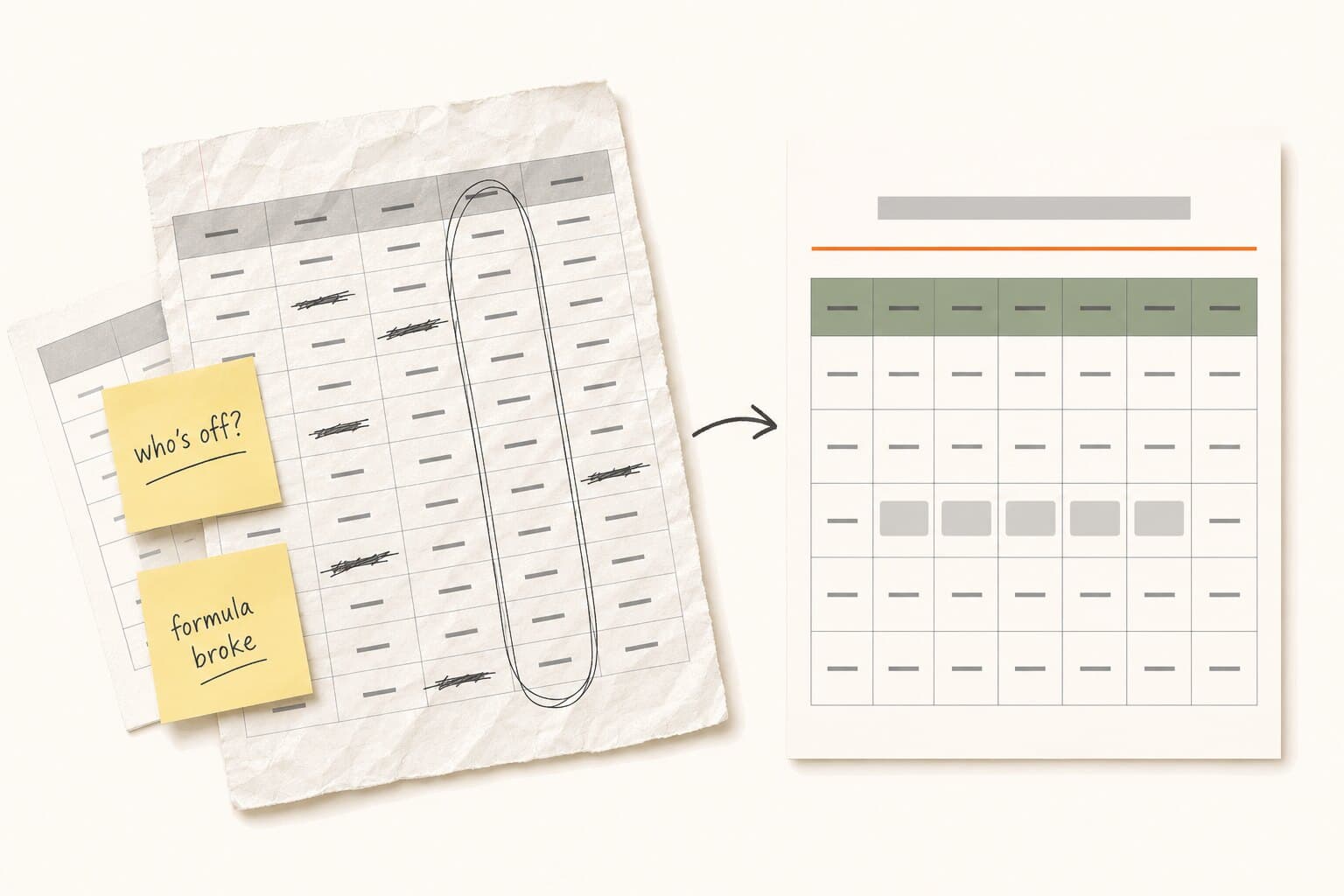
Keep using a spreadsheet while one person can maintain it reliably. A team of five to eight people with a simple policy can be well served by this file. Growing headcount matters because requests and decision owners multiply, not because a spreadsheet reaches a magic employee limit.
Use these headcount bands as planning checkpoints for a small business, rather than measured failure thresholds:
| Team checkpoint | What starts to bite | Sign that the process needs changing |
|---|---|---|
| Five to eight people | Updates depend on one person | Balances wait until the owner gets back |
| Ten to twenty people | Concurrent edits and separate file copies | Two people record different statuses for one request |
| Fifteen to thirty people | Approvals stay in email or chat | The log misses a decision the manager already made |
| Twenty to forty people | Hire dates and policy exceptions multiply | Someone overwrites an accrual formula to fix a balance |
| Thirty to fifty people | Decision history becomes hard to reconstruct | Nobody can explain who changed a balance or why |
Google Sheets and shared Excel files support collaboration. Agree on who may change the policy, status and balance. Version history helps recover edits, but it takes work to reconstruct a request's approval history from those edits.
The first mid-year hire can expose bad accrual math at any headcount. This template accounts for the hire date under its stated rules. If your team needs changing FTEs, different workweeks or several closure calendars, the model needs to change too.
Repeated reconciliation is the clearest signal: your office manager checks an inbox, chat and the spreadsheet before answering a balance question. Another column adds another place to maintain.
How Cabana replaces the spreadsheet
Cabana puts requests, balance checks and approvals inside Slack PTO tracking or Microsoft Teams PTO tracking. Employees request time off where they work, and managers approve or deny from the message.
Pending requests reserve days; approval turns those reservations into used days and puts the absence on the team calendar. Cabana records balance movements, so the person checking a number can see what changed. Its policy settings handle documented accrual methods and carryover rules.
Ready for one place to manage the process? Explore PTO tracking software for small teams.
Last checked August 2026. This is general guidance rather than legal advice, and employment rules do change. Worth a quick check with your state labor agency or an employment attorney before relying on anything state-specific.
PTO tracker template FAQ
Is this PTO tracker template free?
Yes. The template is an Excel workbook that also opens in Google Sheets. It includes sample employees, requests and policies so you can see the calculations before entering your team. Keep an untouched sample copy, then replace the inputs in your working file. The spreadsheet remains useful without signing up for Cabana.
Do the Excel formulas work in Google Sheets?
Yes. The formulas use functions supported in both apps, including NETWORKDAYS, SUMIFS and exact-match lookups. The calendar's color rules read helper cells on the same tab. Import the Excel file into Google Sheets, then check the dropdowns and formula protection before sharing it with the people who will maintain it.
Can I track half days without changing a formula?
Yes. Enter one date as both the start and end date, then enter 0.5 in Day fraction. The workbook applies that fraction to the working-day count and scheduled daily hours. For a longer absence with a half day at an edge, create separate entries for the full-day span and the single half day.
Does the tracker exclude weekends and holidays?
It excludes Saturdays, Sundays and the company closure dates you enter on Holidays. The request formula uses NETWORKDAYS to count working dates before applying the day fraction. Keep the closure list current for the selected year. If someone works a different weekly schedule, use a model that represents their actual working days.
How does it handle part-time employees?
FTE scales the annual allowance and scheduled daily hours together. The model assumes the person works Monday through Friday with the same reduced hours each day. At 0.5 FTE and an eight-hour full-time day, a full day away costs four hours. A condensed schedule, such as working full days on fewer weekdays, needs different formulas.
Do pending and future approved requests reduce the balance?
Yes. The balance subtracts pending requests and approved future leave separately from time already taken. When you approve a pending request, the reservation changes category rather than being deducted again. A denied or canceled request stops reserving time. Future accrual remains excluded, so a negative balance can flag a request that depends on time not yet earned.
Can I track sick time separately from vacation?
Yes. Vacation, Sick and Personal have separate policy rows, carryover inputs and balances. Choose the correct leave type on each request so its hours come from that bank. The supplied workbook uses those three fixed categories. Adding another category requires expanding the balance formulas and related lists together, rather than just renaming a log entry.
How do I carry balances into next year?
Save a reconciled year-end copy first. Apply your written carryover rules, then enter the approved hours into each employee's carryover fields in a clean next-year workbook. Update the year, reporting date and closure dates. Split requests spanning December and January between the two files, and keep the archived year available for reference.
Can employees approve requests inside the spreadsheet?
The owner records Approved, Denied or Canceled in the status column; that is a manual decision record. The file does not send approval requests or enforce who may make a decision. Agree on the reviewer and submission channel, then record the reviewer and decision date. For a consistent intake process, use the PTO request form templates.
Related
What to look for, and how Cabana handles it.
Free PTO accrual calculator →Balances, year-end projections, and carryover.
Free PTO request form template →Printable, in three versions, plus Google Forms fields.
PTO tracking in Slack →Request, approve, and see who's out without leaving Slack.
PTO tracking in Microsoft Teams →Request, approve, and see who's out without leaving Teams.
Free tools, no sign-up

