
PTO Accrual Calculator
Work out how much PTO someone has accrued today, what they'll have at year end, and what a carryover cap would forfeit — with the full period-by-period schedule.
Accrued to date
11.25 days (90 hrs)
Accruing 5 hours every half-month
Available balance
11.25 days (90 hrs)
0 days (0 hrs) used so far
Projected at year end
15 days (120 hrs)
Plan year ends 2026-12-31
Carries into next year
15 days (120 hrs)
No carryover cap set
- Pay periods in this plan year
- 24
- Earned per period
- 5 hrs
- Plan year
- 2026-01-01 → 2026-12-31
- Can take PTO from
- 2026-01-01
Accrual schedule
Period by period through 2026-12-31. Hours shown; divide by your work day for days.
| Period | Accrued | Cumulative | Balance | Status |
|---|---|---|---|---|
| Aug 31 | 5 | 80 | 80 | earned |
| Sep 15 | 5 | 85 | 85 | earned |
| Sep 30 | 5 | 90 | 90 | earned |
| Oct 15 | 5 | 95 | 95 | projected |
| Oct 31 | 5 | 100 | 100 | projected |
| Nov 15 | 5 | 105 | 105 | projected |
| Nov 30 | 5 | 110 | 110 | projected |
| Dec 15 | 5 | 115 | 115 | projected |
| Dec 31 | 5 | 120 | 120 | projected |
Tired of doing this in a spreadsheet?
Cabana runs these accruals automatically and answers “how much PTO do I have left?” in Slack, so nobody has to open a calculator at all.
How PTO accrual actually works
Most small companies run one of three models. Per pay period is the default: divide the annual allowance by the number of paychecks in a year and add that much each time payroll runs. Fifteen days at eight hours a day is 120 hours; paid semimonthly, that's 5 hours per period.
Per hour worked is the model most statutory sick-leave laws use — typically one hour of PTO for every 30 hours on the clock. It self-adjusts for part-time staff, which is exactly why the statutes prefer it.
Annual lump sum hands over the whole allowance on day one of the plan year. It's the simplest to explain and the riskiest to administer: someone can take all fifteen days in January and resign in February.
The two caps people confuse
A carryover cap forfeits time the employee already earned. An accrual ceiling stops them earning more once the balance reaches a limit — nothing earned is ever taken away. That difference is legal, not cosmetic: several states won't enforce forfeiture of accrued time but will happily allow a ceiling. The state-by-state rules table lists which is which.
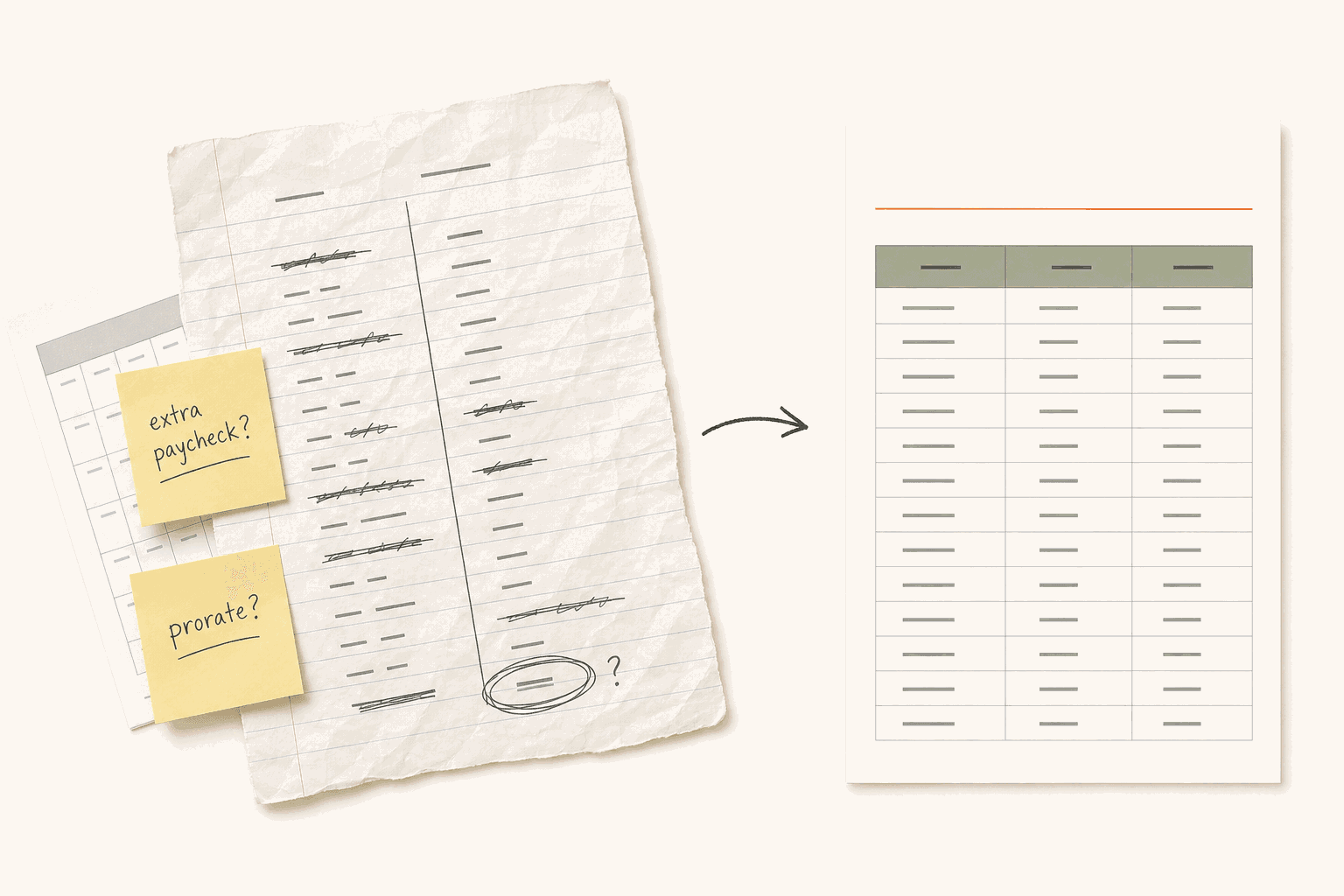
Where the numbers usually go wrong
- Mid-year hires. Some payroll systems prorate the joining period, others grant a full one. Over a year the gap is small; in month one it looks like a bug.
- 27-paycheck years. Biweekly pay lands 26 times in most years, but an extra pay date drifts in roughly every eleventh year. A flat per-period rate then quietly overshoots the annual allowance.
- Semimonthly isn't biweekly. Twenty-four periods on the 15th and the month end, not 26 every-other-Friday periods. The per-period rates differ by about 8%.
- Waiting periods. Accruing-but-locked and not-accruing-at-all produce very different first-year balances. Your policy has to say which one it means.
Last checked August 2026. Whether a carryover cap or accrual ceiling is enforceable depends on your state, and those rules change. This is general guidance rather than legal advice — the state-by-state table on the payout calculator has the sources, and an employment attorney is worth a look before you rely on it.
Frequently asked questions
How do you calculate PTO accrual?
Divide the annual PTO entitlement by the number of pay periods in a year, then multiply by the number of periods worked. For 15 days (120 hours) paid semimonthly, that's 120 ÷ 24 = 5 hours per pay period. Hourly plans work differently: they accrue a set amount per hour worked, commonly 1 hour of PTO for every 30 hours on the clock.
How many hours of PTO do you accrue per pay period?
It depends on the annual allowance and the pay frequency. At 15 days a year on an 8-hour day: 2.31 hours weekly, 4.62 hours biweekly, 5 hours semimonthly, or 10 hours monthly. Change the annual amount and the calculator recomputes the per-period rate.
What happens to accrued PTO if an employee starts mid-year?
Most policies prorate: the employee accrues from their start date rather than receiving the full annual amount. This calculator prorates the joining pay period by the share of it the employee actually worked. Some payroll systems instead grant a full period, so check which behaviour yours uses — the difference is usually a few hours.
What's the difference between an accrual cap and use-it-or-lose-it?
A carryover cap forfeits time already earned at year end. An accrual cap (or ceiling) stops the employee earning more once their balance hits a limit, so nothing accrued is ever taken away. That distinction matters legally: states like California, Colorado, and Massachusetts don't allow forfeiture of accrued time, but they do allow a ceiling.
Can an employee have a negative PTO balance?
Only if your policy allows advancing time. If someone takes more than they've accrued, they're borrowing against future accrual — which usually means a deduction from the final paycheck if they leave before earning it back, and there are limits on that in several states. The calculator flags this case.
Does a waiting period stop PTO from accruing?
It depends on how the policy is written. Some policies accrue from day one but block usage until the waiting period ends; others don't start accruing at all until then. Both are common and the calculator supports either, because the resulting balances differ quite a bit in the first year.
Why does my biweekly year sometimes have 27 pay periods?
Biweekly pay lands 26 times in most years, but because 26 × 14 = 364 days, an extra pay date drifts into the calendar roughly every 11 years. If you accrue a flat per-period rate, a 27-period year quietly grants more than the annual allowance. The calculator warns when it detects one.
Is this calculator free?
Yes, and there's no sign-up or email gate. It runs entirely in your browser and nothing is sent anywhere.
Other free tools


Related reading
Pick a structure before you tune the numbers.
PTO policy guide for small business →The complete walkthrough, start to finish.
Average PTO for small businesses →2026 benchmarks by headcount.
PTO tracking software for small teams →What to look for, and how Cabana handles it.
Tools that do this automatically
Every one of these tracks accruals for you. Here's how they compare.
Deeper policies, a real admin dashboard, and stronger Teams support.
Microsoft Teams support and department structure alongside the same Slack workflow.
Easier day-to-day PTO workflow alongside the payroll tool you already use.
All the leave management, none of the HR platform overhead.
PTO without the timesheet and attendance features your team doesn't need.
Purpose-built for PTO, not buried inside a full HR platform.