
PTO Request Form
A PTO request form records who needs time off, the dates and amount, and the manager's decision. Pick a version, then print it, save it as a PDF, or copy the fields into Google Forms.
Everyday requests: the dates, amount and a clear decision.
PTO request form
Company: ______________________Employees complete the top section and sign. Managers tick a decision, add a reason if it's a denial, and sign.
I confirm these dates and will follow our time-off and notification process.
Free template from cabanapto.com
Which PTO request form to use
Start with the shortest form that captures what your team needs. For vacation, focus on clear dates, the right leave category, and a decision the employee can find later. Keep personal explanations optional.
| Version | Use it for | Extra detail |
|---|---|---|
| Simple | Routine vacation or a personal day | Dates, amount, note and signatures |
| Detailed | Longer absences or a manual payroll handoff | Balance check, coverage and payroll record |
| Emergency | Illness or another same-day absence | Notification record, expected return and later review |
Simple employee time off request form
Use Simple for everyday vacation and personal days. It fits on one page: who's asking, the dates, the amount, the leave type, and a manager decision with a signature. Put partial-day times in Notes. It works best when the approver can already see balances and the team schedule.
Detailed PTO request form
Use Detailed for longer absences or when payroll needs a paper trail. It adds a coverage plan and handoff notes from the employee, and a balance check that whoever keeps the PTO records fills in before approval, so nobody signs off on time the employee doesn't have.
Emergency / same-day absence form
Use Emergency to record a sick day or emergency after the fact. The employee contacts their manager first and fills in the form when they can. If the return date isn't known yet, write "unknown, will update by" and a time. The manager then records the leave type and signs off.
What to include on a PTO request form
A PTO request form should include the employee and approver, submission date, leave dates, return date, leave type, amount and unit, any partial-day details, and a dated decision. Add coverage and balance fields when someone will actually use them. Leave personal explanations optional for routine vacation requests.
| Field | Why it matters | What goes wrong without it |
|---|---|---|
| Employee and manager | Identifies the requester and decision owner | A request waits in the wrong inbox |
| Submission date | Establishes when review should start | Nobody knows whether a response is late |
| First and last day off | Defines the absence | The return date gets counted as leave |
| Return date | Shows when the employee is scheduled back | Coverage ends too early |
| Leave type | Identifies the relevant policy and balance | Sick time gets charged to vacation |
| Amount and unit | Distinguishes hours from days | A number gets deducted in the wrong unit |
| Partial-day times in Notes | Shows the exact window away | A morning off becomes a full-day absence |
| Optional note and privacy prompt | Adds context without demanding personal details | Staff put sensitive details into shared records |
| Acknowledgement and employee confirmation | Confirms the submitted information | Corrections become hard to trace |
| Decision, reason and manager confirmation | Records the outcome and owner | An unanswered request looks approved |
| Balance check, when applicable | Prevents double-counting available time | Pending requests get overlooked |
| Coverage and notification record | Closes the handoff | A backup or employee never hears the decision |
A completed balance example
Suppose Jordan requests vacation from Monday, March 8, through Friday, March 12, 2027, returning Monday, March 15. Jordan works Monday through Friday, with no company closures that week. That is 5 working days, or 40 hours on an eight-hour schedule.
If the available balance before this request is 12 days, the projected balance after approval is 12 − 5 = 7 days. This assumes the starting figure already excludes other pending requests. If your spreadsheet already reserved this request, convert that reservation to used time at approval.
How to use it: a request process that works
Put the request owner and response deadline beside the submission link or printed form.
- Publish the rules. Say where to submit, who approves and how urgent absences are reported. Use the same process across the team, with a backup when the usual approver is away.
- Check the request. The manager reviews the work schedule, applicable balance, overlapping absences, coverage and published busy periods. Resolve an unclear unit or partial-day window before recording the amount.
- Reply within two business days. Treat this as a suggested internal service target for routine requests. If a decision needs longer, acknowledge receipt and give an actual decision date.
- Record the outcome. Send the employee the dates and decision. For a routine vacation denial, give the operational reason and an alternative. Keep unresolved requests visibly pending.
- Finish the admin. Put approved dates on the team calendar and update the balance record. Send payroll the relevant hours or days, pay treatment and decision. Reconcile changes and cancellations too.
Suggested notice periods
Here's what works for most small teams planning vacation. Set these notice windows in your policy and adjust them to your staffing needs. Handle urgent absences through the separate notification process. These are planning recommendations, not legal deadlines.
| Planned request length | Suggested notice |
|---|---|
| One day or half day | One week |
| A full workweek | Four weeks |
| Two or more weeks | Six to eight weeks |
| Known appointment | When the appointment is booked |
| Same-day illness or emergency | Notify the designated contact as soon as you can |
Keep a separate route for potentially protected leave. For example, FMLA notice and eligibility follow their own rules; a generic vacation form does not decide them. Use the Department of Labor's employee notice guidance when FMLA may apply.
For help putting the request rules in writing, use the PTO policy guide for small business.
Set up a PTO request form in Google Forms in six steps
To build a PTO request form in Google Forms, copy the Simple employee fields, choose matching question types, and connect responses to a private Sheet. Keep the manager decision outside the employee submission. Google Forms collects requests; this basic setup needs a person to check balances, approve leave and update the calendar.
- Create a blank form. Name it “[Company name] — PTO request form.” Description: “Submit planned time off here. Your manager will send a separate decision. For an urgent absence, follow [call-in instructions] first.” Replace the bracketed instruction with your actual contact method.
- Copy the Simple fields. Select Simple, then Copy fields for Google Forms. Use the copied Employee section to add questions individually; remove the Manager heading. Split Total requested into required Short answer “Amount requested” with number validation greater than zero, and Multiple choice “Unit” with Hours / Days. Use Date for dates, Short answer for names, Multiple choice for Leave type, and optional Paragraph for Notes. Add the form's partial-day helper to Notes. The button skips signatures, so add required “Employee confirmation — type your full name” and “Confirmation date,” plus a required checkbox using the footer acknowledgement. Google's form editing instructions cover question types and required fields.
- Set access and privacy. Choose who can respond and collect email addresses if you need a reply address. Leave “Limit to 1 response” off so an employee can request another absence. Keep “View results summary” off; that setting can expose other responses. Restrict editor access to the people handling requests.
- Connect the Sheet. Under Responses, choose Link to Sheets and create a response spreadsheet. Add manager-owned columns: Status, Decision date, Decided by, Decision notes, Employee notified, and Calendar/payroll updated. Start each request as Pending. Check permissions on both files; Google documents response storage and collaborator access.
- Arrange notifications and confirmation. In Responses, open More and turn on “Get email notifications for new responses.” The reviewer must enable their own notifications. Set the confirmation message to: “Request received. This confirms submission only. Contact [reviewer] if you have not received a decision within [response target].” See Google's response notification instructions.
- Publish, test and share. Follow Google's publishing instructions, then test as an employee using the responder link. Submit a full-day and a partial-day request. Check the Sheet row, notification, private access and separate decision message before sharing that link with the team.
Keep the decision in manager-owned Sheet columns. This setup has no built-in PTO balance calculation, manager approval workflow or calendar posting. Add-ons or custom scripts can add those functions, but someone must configure and maintain them.
When a form stops working
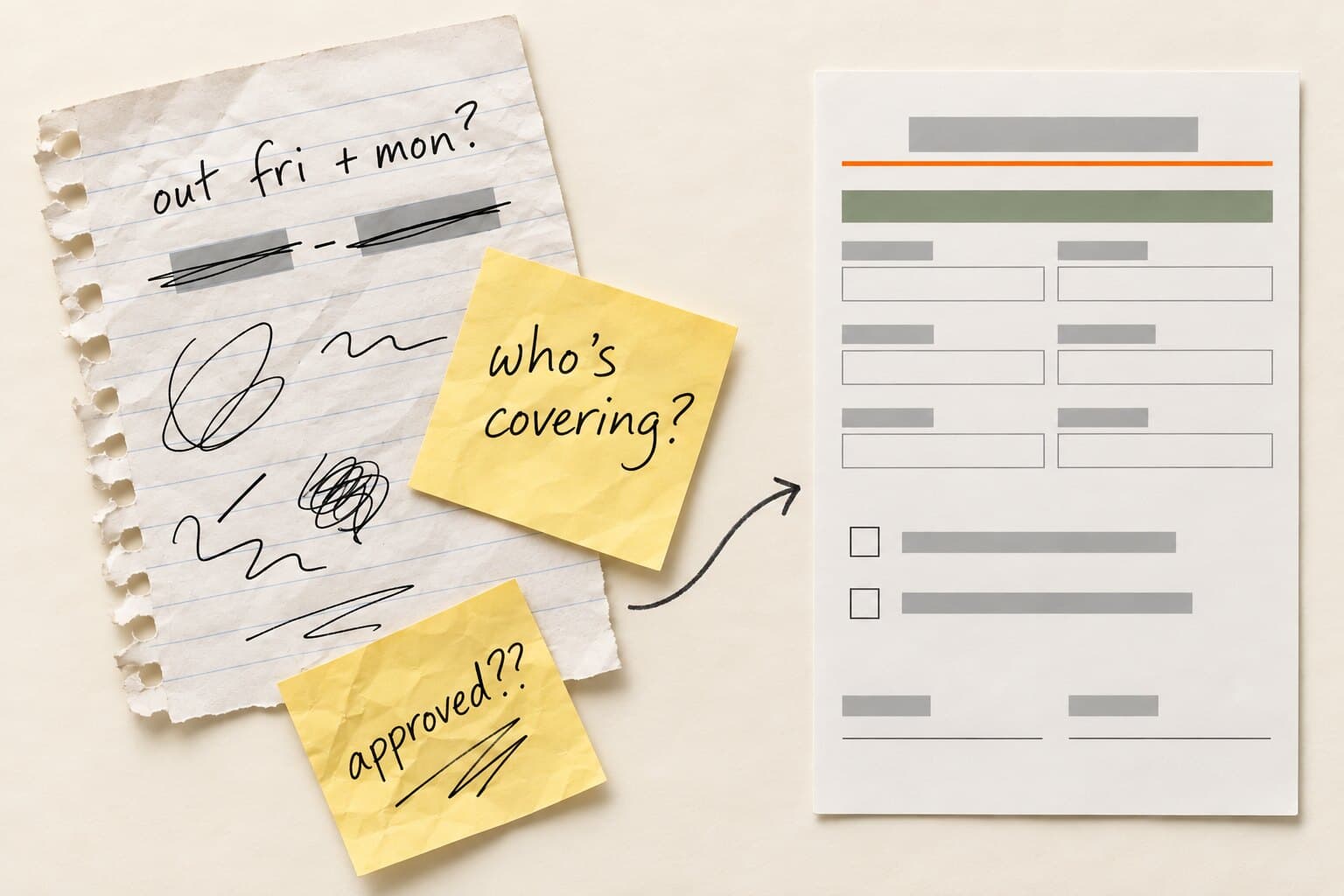
Keep the form while one person can reliably review requests, update balances and maintain the calendar. Dependable handoffs matter more than headcount.
At 10 or more people, check the handoffs: are requests arriving in email and chat too? Is the office manager maintaining balances while the founder approves from a phone? Those are places where the form may collect the right information while the decision still gets lost.
Repeated follow-ups, missing calendar entries and uncertain balances signal that you need one record following the request through approval and balance updates.
How Cabana replaces the form
Cabana puts requests, balance checks and manager approvals inside Slack PTO tracking or Microsoft Teams PTO tracking. Employees request time off where they work; managers approve or deny from the message.
Requests reserve days while pending. Approval converts reserved days to used days and adds the absence to the team calendar. Managers can see the request's dates, leave type, amount and balance before deciding.
Ready to move beyond the form? Explore PTO tracking software for small teams.
Last checked August 2026. US-focused general guidance, not legal advice. Notice periods here are recommendations, not legal deadlines; protected leave such as FMLA follows its own rules.
PTO request form FAQ
Is this PTO request form free?
Yes. You can copy the field lists and acknowledgement wording into your own document or Google Form. Choose the Simple version for routine requests, or use Detailed when your manager and payroll contact need a shared record. Replace the company name, submission contact and policy instructions before giving it to employees.
Can I print the form or save it as a PDF?
Select the Simple, Detailed or Emergency tab, then choose **Print or save as PDF**. The print view includes only the selected paper form. Choose a printer for a paper copy, or select Save as PDF in the print dialog. Simple is the shortest option for an everyday request on one US Letter page.
Can I use it as a vacation request form?
Yes. Select Vacation as the leave type and enter the first day off, last day off, return date and scheduled work missed. You can rename the heading “Vacation request form” if your company tracks vacation separately. Keep the manager decision section so the completed form records the result as well as the request.
Should employees give a reason for PTO?
For routine vacation, make the note optional and ask for operational details only when useful. Dates and a handoff usually help the reviewer more than a travel itinerary. If another leave category needs a private discussion or separate documentation process, direct the employee to the appropriate contact rather than collecting everything on this form.
How do I record a half day?
Enter the date and specify morning, afternoon or the exact hours away. On an eight-hour schedule, a half day is four hours. Use your company's actual schedule and policy unit, and keep the amount consistent with that unit. A partial-day absence should never require the reviewer to guess when coverage starts.
Should weekends count toward the amount requested?
Count scheduled work the employee will miss. Someone on a Monday-through-Friday schedule would normally leave nonworking weekends out of the amount requested; a weekend shift worker may need to include them. Check the employee's workweek and company closure calendar before confirming the charge. The date range alone does not determine the leave amount.
Who fills in the balance fields?
The person responsible for the balance record should verify them. That might be an office manager, payroll contact or founder. Record the leave bank, unit and date checked. Include other pending commitments in the starting available figure, and make clear whether the current request has already been reserved to prevent a duplicate deduction.
What if the employee does not know their return date?
Use the Emergency version and enter “unknown” with an agreed next update time. Record what is known now, then update the dates when the absence becomes clear. Use the agreed check-in time until you can confirm your return. Keep the manager informed through the company's designated absence notification channel.
Does submitting the form mean the request is approved?
Submitting records the request; the manager still needs to send a decision for routine planned PTO. Label a Google Forms confirmation “Request received” and keep the status Pending until reviewed. For an unexpected illness or emergency, follow the urgent notification process and arrange any appropriate separate leave review rather than waiting for a form response.
Can I use the same form for medical or family leave?
A general form can record dates and route a question to the right person, but it does not replace a protected-leave process. When FMLA may apply, follow the Department of Labor's notice guidance. Give employees a private contact for further information and keep sensitive supporting documents out of the shared request log.
Related
Twelve situations, with Slack and Teams versions.
PTO policy guide for small business →The complete walkthrough, start to finish.
PTO tracking software for small teams →What to look for, and how Cabana handles it.
PTO tracking in Slack →Request, approve, and see who's out without leaving Slack.
PTO tracking in Microsoft Teams →Request, approve, and see who's out without leaving Teams.
Free tools, no sign-up

