
Requesting PTO? Email Templates for 12 Situations
When requesting PTO, email your manager the exact dates, when you'll be back, and a short plan for anything that needs covering. Then ask for a decision by a set date.
How to request time off by email
Send your time-off request to the person who approves leave, put the dates in the subject, and state the time you need in the opening sentence. Add a practical handoff and a clear request for a reply. If your company uses a form or PTO tool, submit there too.
- Check the process first. Read the notice rules, check your available balance, and confirm who decides. Send sensitive requests directly to the appropriate contact. Copy HR only when your process calls for it, rather than sending personal details to a broad distribution list.
- Make the dates unambiguous. Say “March 8 through March 12, returning March 15,” with the year when needed. For part of a day, include the hours and time zone. Count scheduled work missed, not every calendar date between departure and return.
- Offer a realistic handoff. Name the work and where the notes will be. Say whether a colleague has agreed to cover or is only proposed. If coverage is unresolved, ask your manager to help assign it. You do not need to promise that every project will be finished before leaving.
- Ask for a decision. “Could you confirm by [date]?” gives your manager something concrete to answer. Keep the reply with your request. After approval, follow the calendar and handoff steps your team uses. A calendar invitation or an email read receipt does not record a manager's decision.
Use the greeting you would normally send this manager. “Hi [Manager]” and a simple “Thanks” fit most everyday requests; you can make the greeting more formal without making the body longer.
Anatomy of a good request
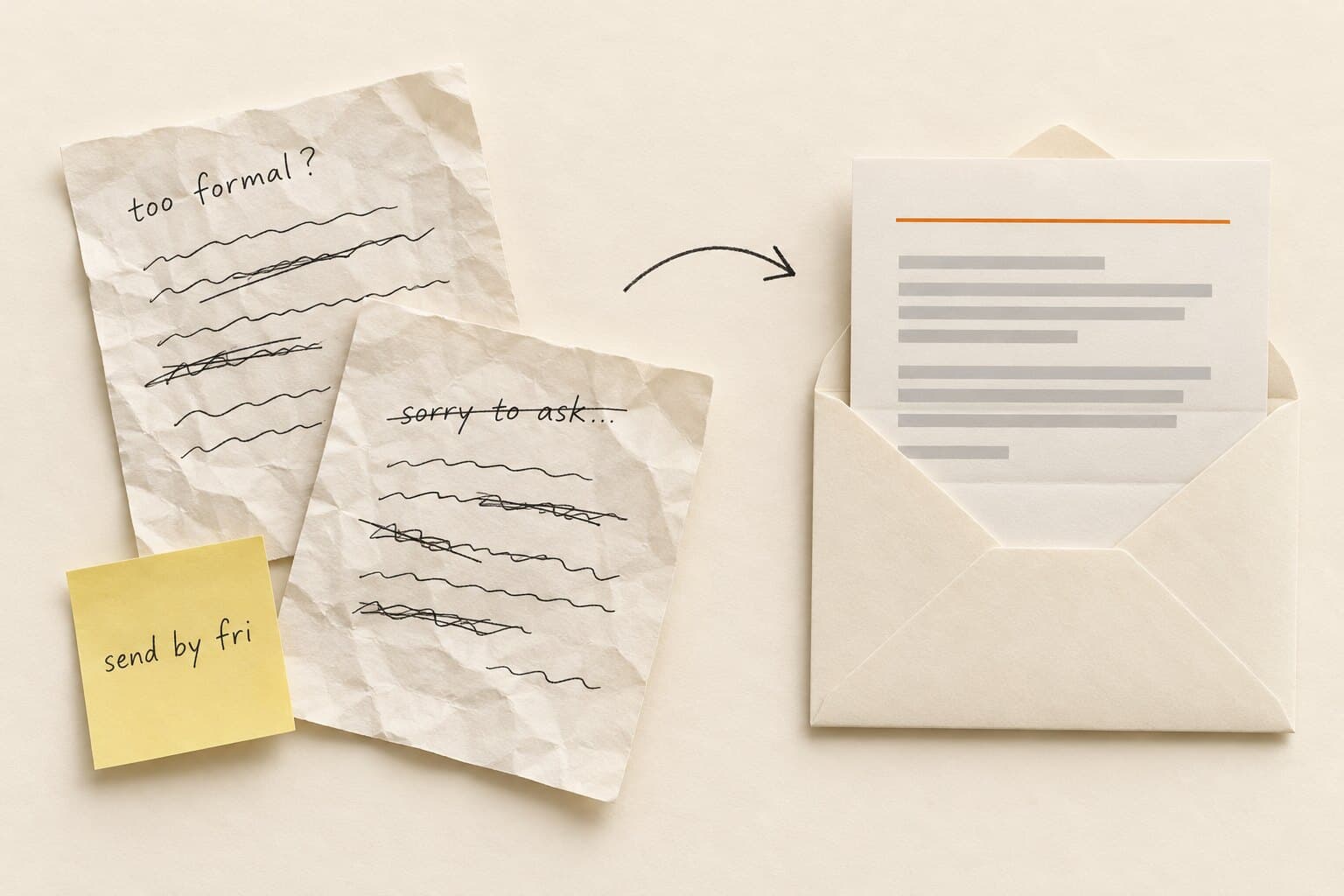
A useful time-off request email to your manager answers the scheduling questions in a few short paragraphs. You can share why you're taking vacation if you want to, but the request should still make sense without that personal explanation.
| Part | Example wording | What it does |
|---|---|---|
| Subject | PTO request: March 8–12, 2027 | Makes the request searchable |
| Dates and return | I'd like vacation March 8 through March 12, returning March 15. | Separates the last day away from the first day back |
| Coverage | Sam has agreed to cover the support queue; notes will be in our handoff doc. | Names the task, owner and location |
| Flexibility | I could move the start date if needed. | Offers a real option; omit if untrue |
| Decision deadline | Could you confirm by [reply date]? | Gives the manager a clear next action |
In that example, the employee works Monday through Friday with no company closures during the requested week: March 8–12, 2027 uses five working days. A different workweek or closure calendar changes the amount, so check before adding a day count.
| Do | Don't |
|---|---|
| State the first and last day off | Say “next week” without dates |
| Name agreed coverage or label it proposed | Volunteer a coworker who has not agreed |
| Offer alternative dates if you can use them | Say you're flexible when the dates are fixed |
| Ask for confirmation before committing to travel costs | Treat silence as approval |
| Keep medical details in the appropriate private process | Put a diagnosis in the subject line |
| Describe your actual availability | Add “I'll work if needed” just to sound helpful |
Before sending, replace every bracket and remove any line that is not true. If you're unsure who can cover, change the sentence to a request for help assigning coverage. Keep the subject specific even if you shorten everything else.
Time-off request email templates
Choose the situation below. Each body is under 120 words and includes its own subject line. Keep follow-ups in the original thread so your manager can find the first request and any decision.
For parental, medical, military or jury-duty leave, ask which separate notification and documentation process applies. The vacation templates are for scheduling ordinary time off; they do not determine eligibility for other leave.
Planned time off
1. Vacation request email, well ahead
You're planning a trip and can give advance notice.
Subject: Vacation request: [first day off]–[last day off]
Hi [Manager], I'd like to take vacation from [first day off] through [last day off], using [working days] days of PTO. I'll return on [return date]. [Coworker] has agreed to cover [responsibility]. I'll put the handoff notes in [location] before I leave. Could you confirm by [reply date]? I wanted to check before booking travel. Thanks, [Your name]
2. Single day off
You need a full personal day without a long explanation.
Subject: PTO request: [date]
Hi [Manager], I'd like to use a day of PTO on [date]. I'll be back on [return date]. I'll complete [task] beforehand and leave notes for [coworker] on [ongoing work]. Could you help confirm coverage for anything else that needs attention that day? Please let me know by [reply date] whether this works. Thanks, [Your name]
3. Half day off
You need a morning or afternoon away and want the exact window clear.
Subject: Half-day PTO request: [date], [AM/PM]
Hi [Manager], Could I take a half day of PTO on [date], from [start time] to [end time] [time zone]? I'll [return at time / return on date]. I'll move [meeting] and leave an update on [task] before I'm out. [Coworker] has agreed to handle [urgent responsibility] during that window. Could you confirm by [reply date]? Thanks, [Your name]
4. Appointment
A scheduled appointment requires a specific period away from work.
Subject: Time-off request for appointment: [date]
Hi [Manager], I have an appointment on [date] and need time off from [start time] to [end time] [time zone], including travel. I expect to be back [time or date]. I'll move [meeting] and update [task] before I leave. Could you confirm which leave category I should use and whether these arrangements work by [reply date]? Thanks, [Your name]
5. During a busy period or blackout
You need to ask about an exception for ordinary vacation during a published restricted period.
Subject: Vacation exception request: [first day off]–[last day off]
Hi [Manager], I know [dates] fall during [busy period / blackout]. I'd like to ask whether an exception is possible for vacation from [first day off] through [last day off], returning [return date]. My proposed handoff is [plan]; coverage is not confirmed yet. If an exception isn't possible, I could consider [alternative dates]. Could we discuss the options by [reply date]? Thanks, [Your name]
Short notice and sick days
6. Short-notice time off
An unexpected personal matter means you cannot give the usual notice.
Subject: Short-notice time-off request: [dates]
Hi [Manager], An unexpected personal matter has come up, and I need time off from [first day off] through [last day off]. I expect to return [return date]. I realize this is shorter notice than usual. The current status of [urgent work] is in [location]. Could you help arrange coverage for [responsibility]? Could you reply by [time/date]? I've [called / messaged] [absence contact] under our notification process. Thank you, [Your name]
7. Sick day, same morning
You're unwell and need to notify your manager that you cannot work today.
Subject: Out sick today: [date]
Hi [Manager], I'm unwell and can't work today, [date]. I've followed our call-in process by [notification method]. The status of [urgent item] is in [location]. Please arrange coverage for anything that can't wait. I don't know yet whether I'll be well enough to return [next scheduled workday]. I'll update you by [time/date]. Thank you, [Your name]
Longer leave and bereavement
8. Extended leave: two or more weeks
You're requesting an extended vacation and need time to plan the handoff.
Subject: Extended vacation request: [first day off]–[last day off]
Hi [Manager], I'd like to request vacation from [first day off] through [last day off], returning [return date]. That's [working days] scheduled days away. I've checked my available PTO. My proposed handoff is [responsibilities and proposed owners], with notes ready by [handoff date]. I'd like to review that plan with you before confirming coverage. Could we discuss this and reach a decision by [reply date]? Thanks, [Your name]
9. Bereavement
You've had a death in the family and need to tell your manager you'll be away.
Subject: Bereavement leave: [dates]
Hi [Manager], There's been a death in my family, and I need bereavement leave beginning [first day off]. My expected return is [return date], though that may change. Please help arrange coverage for [urgent responsibility]. I'll update you about my return by [time/date]. Please let me know privately if there's a leave process I need to complete when I'm able. Thank you for understanding, [Your name]
10. Unpaid leave
You're asking to take specified dates unpaid under your employer's process.
Subject: Unpaid time-off request: [first day off]–[last day off]
Hi [Manager], I'd like to request unpaid time off from [first day off] through [last day off], returning [return date]. Could you confirm whether this is available under our policy and who should review the pay arrangements? My proposed coverage plan is [plan]. I'll confirm it with the people involved once we've discussed the dates. Could you let me know the next step by [reply date]? Thanks, [Your name]
Follow-ups and changes
11. Follow-up when there's no reply
The response target or agreed decision date has passed.
Subject: Re: PTO request: [original dates]
Hi [Manager], I'm following up on my time-off request sent [submission date] for [first day off] through [last day off], returning [return date]. Could you confirm the decision by [reply date]? If you need more information or someone else should review it, please let me know. I'm keeping the request pending until I hear back. Thanks, [Your name]
12. Rescheduling an approved request
Your plans change after approval and you need replacement dates agreed.
Subject: Change to approved PTO: [old dates] → [new dates]
Hi [Manager], Could I move my approved PTO from [old first day]–[old last day] to [new first day]–[new last day]? My new return date would be [return date], and the revised amount would be [working days] days. I've checked with [coverage contact], and [coverage update]. Could you confirm by [reply date] whether the replacement dates work? Please confirm when the old approval should be canceled and which calendar or balance records need updating. Thanks, [Your name]
Asking in Slack or Teams instead
Use a direct message when that's your team's accepted request channel. Put dates and a return date in the message so your manager can answer without opening another thread. If a form or PTO tool is the official record, submit there and link the request in your message.
Five templates have a Slack / Teams toggle: vacation, half day, sick day, follow-up and rescheduling. Switch views and select Copy message for the short version. Send it privately to the approver and keep the decision in the thread, with dates matching your official submission.
When to ask for time off
Ask as soon as your plans are firm enough to name dates. For planned vacation, use your company's notice rule and allow more planning time for a longer absence. For illness or an emergency, use the designated notification channel as soon as you can. The table gives suggested planning windows.
| Situation | Suggested time to ask |
|---|---|
| One day or a half day | One week ahead |
| A full workweek | Four weeks ahead |
| Two or more weeks of vacation | Six to eight weeks ahead |
| Appointment | When you book it |
| Published busy period | Before making commitments; ask about exceptions |
| Illness or emergency | Notify the designated contact as soon as you can |
These are practical recommendations for ordinary vacation, not legal deadlines. Do not postpone telling your manager just because you have already missed a suggested notice window.
If you need potentially protected medical or family leave, use the appropriate separate process. The Department of Labor's FMLA notice guidance explains the information and timing for FMLA requests; a vacation notice table does not establish eligibility or replace those rules.
For planned PTO, wait for the decision before making nonrefundable commitments where possible. If your manager agrees verbally, send the dates back in writing and complete the formal submission. A quick written confirmation prevents a later disagreement about which week was discussed.
For managers: reply fast and record the decision
For routine vacation requests, aim to answer within two business days or give a specific decision date. Check the work schedule, available balance and coverage, then state the approved dates or explain the conflict. If you cannot approve the original dates, offer an actual alternative rather than a vague “try later.”
Manager reply: approve
Approving a routine request.
Subject: Re: PTO request: [dates]
Hi [Employee], Your PTO for [first day off] through [last day off] is approved, with your return on [return date]. I'll record the decision and update the team calendar. Please share the agreed handoff with [coverage contact] before you go. Enjoy your time off, [Manager]
Manager reply: decline with an alternative
You can't approve the dates but want to offer another option.
Subject: Re: PTO request: [dates]
Hi [Employee], I can't approve vacation for [requested dates] because [specific coverage conflict]. Could [alternative dates] work for you? Those dates are an option to discuss, not a change I've made to your request. Let's confirm a plan by [decision date]. Thanks, [Manager]
Use the decline wording for ordinary vacation scheduling. Refer potentially protected leave to the appropriate reviewer. For a sick-day notification, acknowledge receipt and handle coverage without turning the acknowledgement into a demand for a detailed work plan.
How Cabana removes the back-and-forth
With Cabana, employees request time off and check balances in Slack PTO tracking or Microsoft Teams PTO tracking. Managers approve or deny from the message, and approved requests appear on the team calendar. Email approval links let managers record a decision without signing in.
The PTO request form templates can help teams that still need a manual record; the PTO policy guide for small business helps define the rules behind it.
Managing requests for your team? Explore PTO tracking software for small teams.
Last checked August 2026. US-focused general guidance, not legal advice. Family, medical and other protected leave follow their own notice rules.
Time-off request email FAQ
What should I put in the subject line?
Use “PTO request” or “Vacation request” followed by the dates. Add your name if the message goes to a shared inbox, and include the year if the dates could be ambiguous. For a sick-day notification, “Out sick today: [date]” makes the urgency clear without putting medical details in the subject.
Do I need to explain why I'm taking PTO?
For an ordinary vacation request, you can keep the explanation brief or leave it out. Focus on dates, return and any useful handoff. Check your workplace's process for other leave categories; some need a separate conversation. Send sensitive information to the designated private contact rather than including it in a group email or team channel.
How formal should the email be?
Match the tone you normally use with your manager. A greeting, direct request and “Thanks” are enough for many workplaces. Use a more formal greeting if that's your team's style, but keep the dates near the top. You do not need a long introduction or repeated apologies to make a routine PTO request respectful.
What if my manager does not reply?
Follow up in the same thread after the published response target or agreed decision date passes. Repeat the dates and ask for a new decision deadline. If your manager is away, use the designated backup or ask who can review the request. Keep ordinary planned PTO pending until you receive a decision; silence leaves the outcome unresolved.
Can I ask for time off at short notice?
Yes. Tell the appropriate person promptly, acknowledge the short notice, and explain the dates you need. Mention urgent work only if you can do so realistically. For illness or an emergency, follow the call-in procedure rather than relying on an unread email. If the return date is uncertain, give a realistic next update time instead.
Should I offer to work during my PTO?
Describe only the availability you actually intend to offer. A useful request identifies who handles urgent work while you're away; it does not need a promise to check email. Confirm the handoff before leaving and follow your workplace's expectations. If you're unwell, keep the notification focused on your absence and when you'll update your manager.
Can I send a request through Slack or Microsoft Teams?
Yes, if chat is an accepted request channel at your workplace. Send a private message with the dates, return date and a short handoff. Ask for a clear decision and keep it in the thread. If your company requires a separate form or system entry, complete that step too so the official record matches the conversation.
What if my approved dates change?
Reply to the approval thread with both the original dates and the replacement dates, plus the new return date and amount of leave. Ask your manager to confirm the change and when to cancel the old approval. Check the calendar and balance record afterward so the original and replacement absences are not both counted.
Can I use these templates for parental leave or jury duty?
Use the structure to notify your manager, but ask which process applies to that leave category. A vacation email does not establish eligibility, pay or documentation requirements. For family or medical leave that may qualify for FMLA, consult the Department of Labor's notice guidance and the designated leave contact rather than relying on ordinary vacation approval wording.
Related
Printable, in three versions, plus Google Forms fields.
PTO policy guide for small business →The complete walkthrough, start to finish.
PTO tracking software for small teams →What to look for, and how Cabana handles it.
PTO tracking in Slack →Request, approve, and see who's out without leaving Slack.
PTO tracking in Microsoft Teams →Request, approve, and see who's out without leaving Teams.