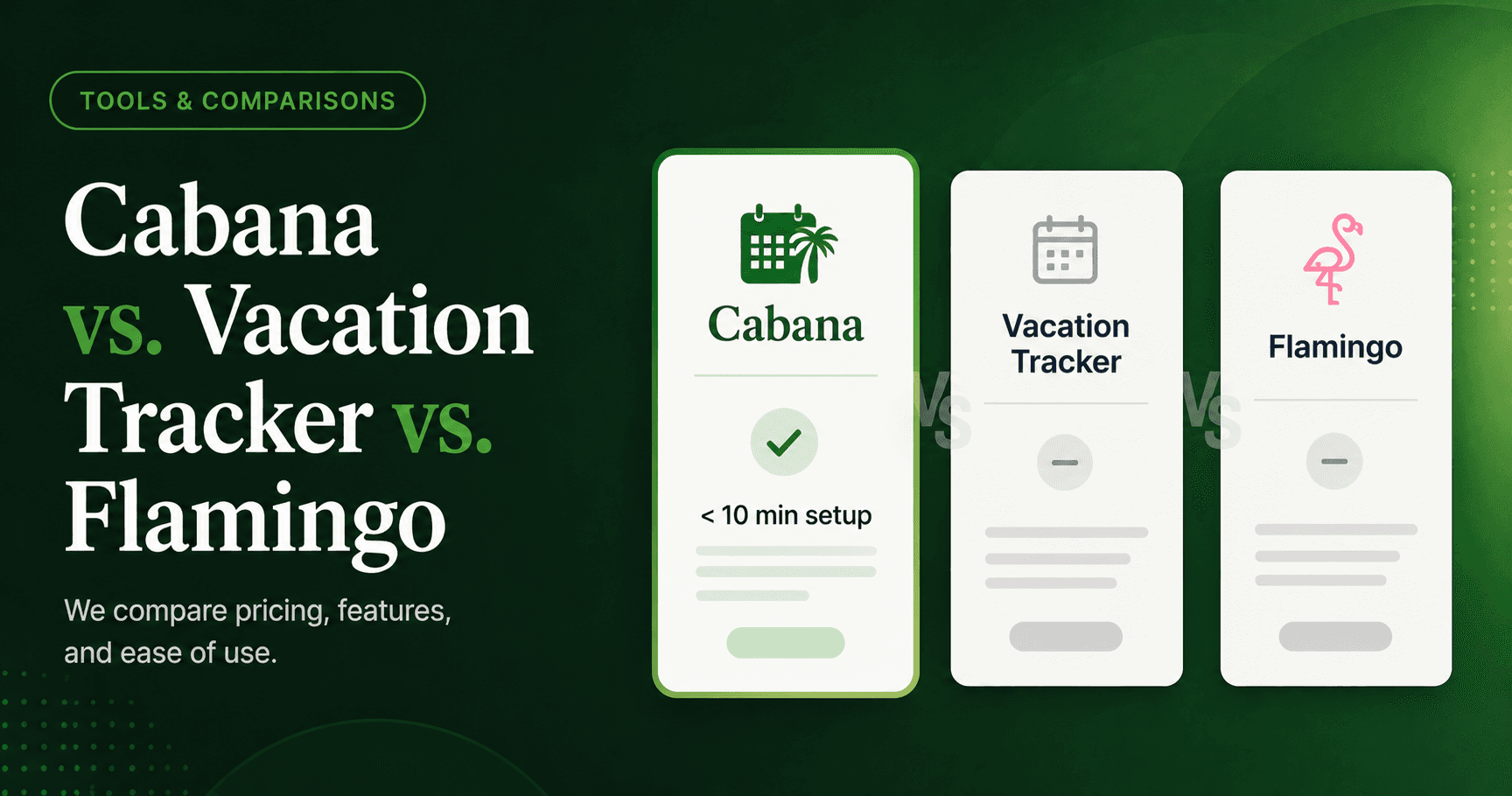
The 30-second version
- All three tools handle PTO inside Slack, but they're built for very different teams and use cases.
- Cabana is the fastest to set up (under 10 minutes) and is priced flat — no per-seat surprises.
- Vacation Tracker has the deepest feature set but requires significant upfront configuration; best for teams of 25–500+.
- Flamingo is a lightweight entry point for very small teams, but it has limited room to grow.
- If you're under 75 people and want PTO just handled, Cabana is the straightforward choice.
If your team lives in Slack, adding a separate HR system just to manage time off feels like overkill. That's why Slack-native PTO tools have become the go-to for small and mid-sized teams — no new logins, no context switching, no software that collects dust.
But "Slack-native" covers a wide range. Cabana, Vacation Tracker, and Flamingo all plug into Slack, but they're built for different teams, different workflows, and different levels of complexity. If you're actively evaluating options right now, here's an honest breakdown to help you make the right call.
What They Have in Common
All three tools handle the PTO basics inside Slack:
- Employees request time off directly from Slack
- Managers get notified and can approve or deny requests
- Teams can see a shared calendar of who's out
- Balances are tracked automatically
The real differences show up in how much configuration they require, what they charge, and how well they scale — or don't — with team size.
Head-to-Head Breakdown
Ease of Setup
Cabana is built to be running in under 10 minutes. Connect it to your Slack workspace, define your PTO policies, and you're done. There's no lengthy onboarding, no implementation specialist, no hand-holding required. For small teams that need something working today, that matters.
Vacation Tracker offers more configuration upfront — multiple leave types, accrual rules, department structures, and approval chains. That flexibility is valuable if you need it, but it comes with setup overhead. Expect to spend 30–60 minutes (or more) on configuration before anyone submits their first request.
Flamingo sits somewhere in the middle. Setup is fairly quick, though the interface feels less polished and the workflow is more manual than automated. Teams with straightforward policies get up and running without too much friction.
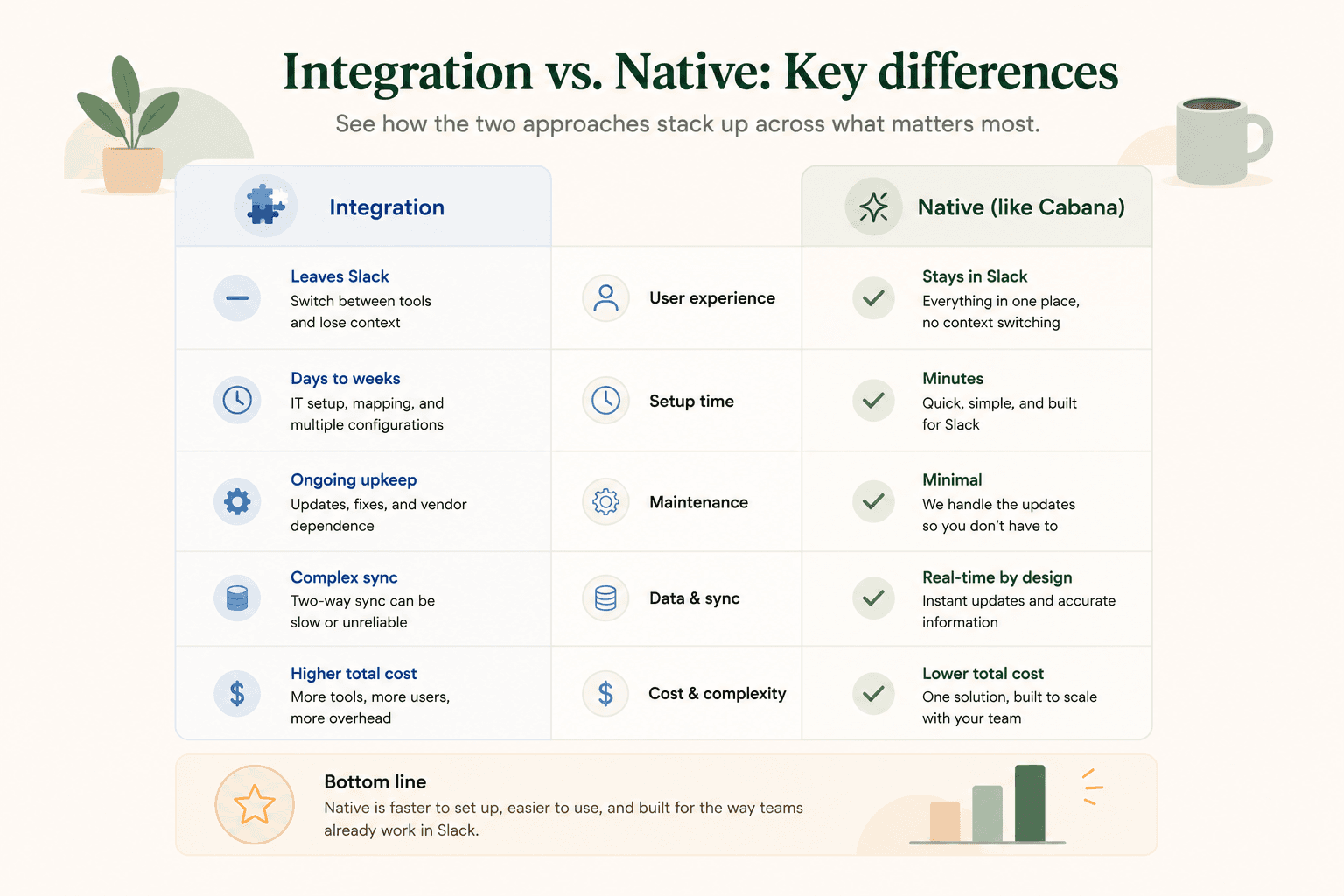
Edge: Cabana for teams that want zero-friction setup. Vacation Tracker if you need deep policy customization from day one.
Features
Cabana is intentionally focused. You get PTO requests and approvals, balance tracking, a team calendar, and clean Slack notifications — all without clutter. The product doesn't try to be an HRIS or a payroll system. It's one thing, done well.
Vacation Tracker has a broader feature set: multiple leave types (PTO, sick, remote work, etc.), accrual scheduling, multi-location support, reports and exports, and an admin dashboard outside of Slack. If you're managing a growing team across multiple offices with varied leave policies, that depth is genuinely useful.
Flamingo covers the core PTO use case with some additional features like Google Calendar sync and a team dashboard, but the feature set is narrower than Vacation Tracker and the UX occasionally needs workarounds that Cabana has already ironed out.
Edge: Vacation Tracker on raw features. Cabana if you want the right features without the noise.
Pricing
Cabana is priced for small teams — flat, predictable, and affordable without requiring a conversation with a sales rep. No per-seat surprises as your team grows.
Vacation Tracker starts at around $25/month for small teams, scaling per user as you grow. At higher headcounts, costs add up. There's a free plan, though it's limited.
Flamingo charges per user per month, typically in the $2–3 range. That's reasonable for very small teams but can creep up over time.
Edge: Cabana for predictability and small-team value.
Best-Fit Team Size
| Tool | Sweet Spot | Why |
|---|---|---|
| Cabana | 5–75 people | Built for small teams; simple enough for operators who aren't HR specialists |
| Vacation Tracker | 25–500+ people | Deep features justify the complexity at mid-market scale |
| Flamingo | 5–50 people | Good entry point, but limited room to grow |
Comparison Table
| Cabana | Vacation Tracker | Flamingo | |
|---|---|---|---|
| Setup time | Under 10 minutes | 30–60+ minutes | 15–30 minutes |
| Slack-native | Yes | Yes (+ web app) | Yes (+ web app) |
| PTO requests & approvals | Yes | Yes | Yes |
| Multiple leave types | Core types | Extensive | Limited |
| Accrual rules | Yes | Advanced | Basic |
| Team calendar | Yes | Yes | Yes |
| Reporting & exports | Yes | Advanced | Basic |
| Pricing model | Flat/simple | Per user | Per user |
| Best for | Small teams, simplicity | Mid-market, complex policies | Small teams, basic needs |
Our Recommendation by Team Type
Choose Cabana if: You're a small business or ops team (under 75 people) that lives in Slack and wants PTO tracking to just work. You don't need an enterprise HR suite — you need something clean, fast, and out of the way. Cabana is built for teams that value simplicity and have better things to do than configure leave policies all day.
Choose Vacation Tracker if: You're scaling past 50 people, managing multiple offices or locations, or you need robust accrual rules and reporting for compliance purposes. The extra configuration is worth it if your policies are complex.
Choose Flamingo if: You're a very small team on a tight budget and want something basic to get started. Just know that you may outgrow it faster than you'd expect, and the experience isn't as refined as the alternatives.
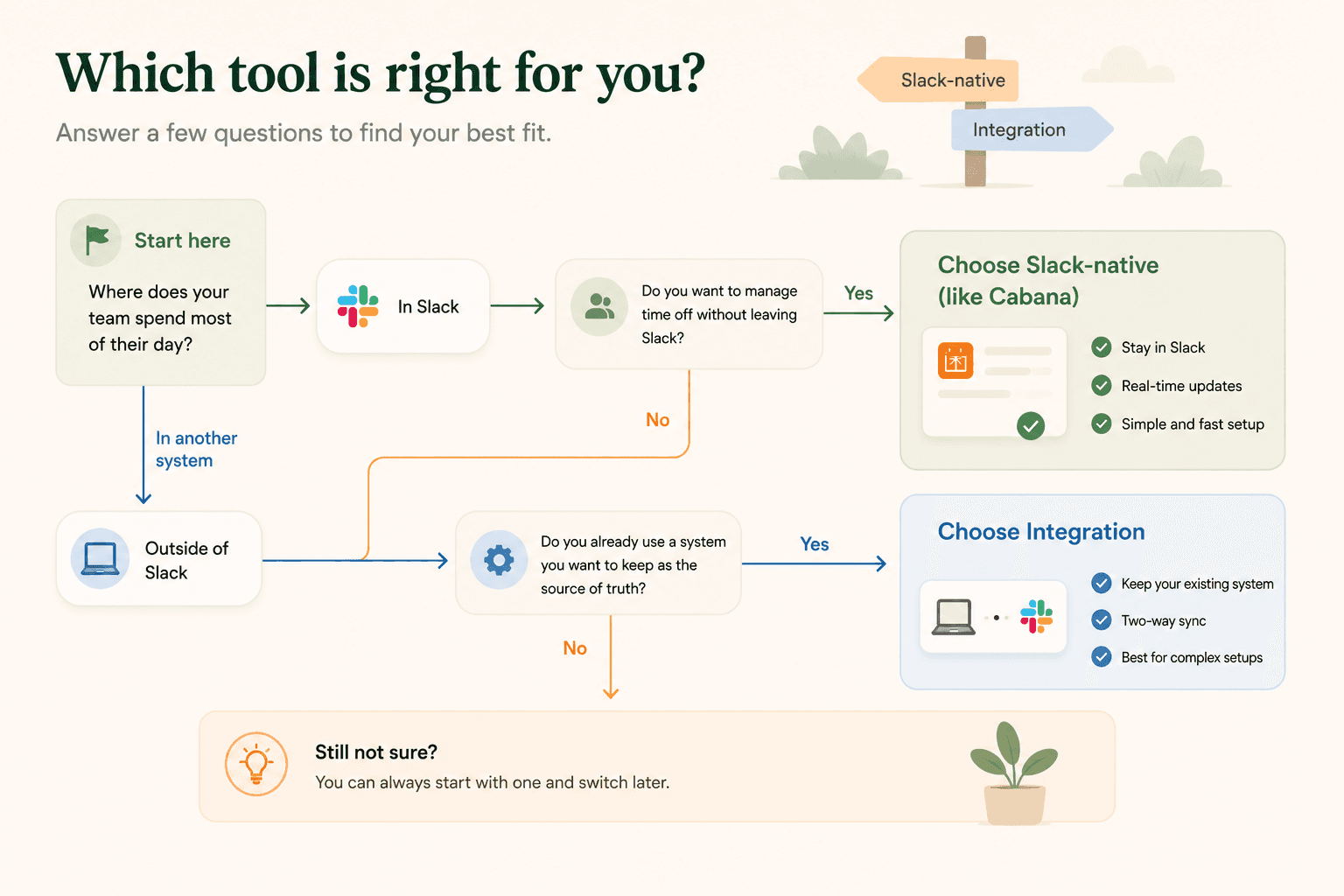
How Cabana handles this
See how Cabana handles PTO for your team
No lengthy setup, no per-seat pricing surprises, no HR software nobody uses. Connect Cabana to Slack and you're running in under 10 minutes — free trial, no credit card required.
30 days · No credit card
The Bottom Line
For most small and mid-sized teams evaluating Slack-based PTO tools, the honest answer is that you don't need more software — you need the right software. Vacation Tracker is powerful, but power you don't use is just complexity. Flamingo is lightweight, but lightweight sometimes means limited.
Cabana is built for the team that just wants PTO handled, in Slack, without a project plan to get there.